

LiveDune publishes guide to setting up business bots in MAX messenger
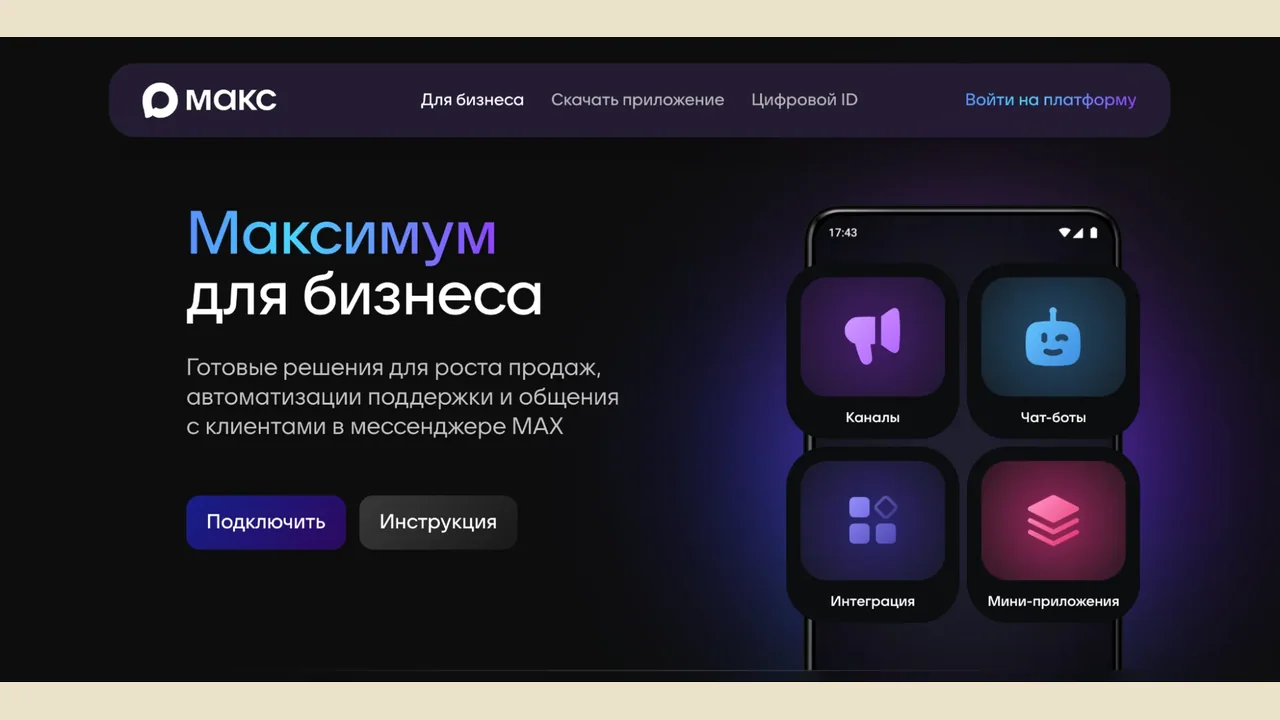
LiveDune's guide walks through creating a bot in MAX without code, verifying an organization, and deleting a bot without losing accumulated data, alongside the eight mistakes most companies repeat. Bot creation is currently open only to legal entities, individual entrepreneurs and self-employed people registered in Russia; individuals and companies from other countries do not yet have access. Verification happens on the "MAX for partners" platform and can only be completed by the company head or a person with first-signature rights, since an attempt by a regular manager can stall without explanation. Self-employed users verify exclusively through Gosuslugi, while organizations and entrepreneurs can also use bank services such as Alfa-ID or T-Business ID. Once approved, a company gets access to the "Chat-bots" section, where MAX's visual builder sets up greetings, menus, FAQ answers and simple logic without a single line of code; more complex, branching scenarios that tie into CRM systems and databases require the API.
Missed appointments drop when a bot sends a reminder with three tap options, confirm, reschedule or cancel, one of the use cases the guide calls most in demand; fewer empty slots and fewer manual reminder calls follow. Scripts left unrevised for months tend to produce a bot that answers everything vaguely and resolves nothing, especially since MAX's built-in analytics make it hard to compare posts or track which topics and formats actually perform. LiveDune's own analytics tool pulls post statistics from MAX channels into one place, letting teams benchmark formats against competitors and cutting the manual work of copying numbers into spreadsheets, which the guide says slows down trend-spotting. Deleting a bot erases any stored contacts, dialogue history or statistics for good, so that data needs exporting before removal. A bot with no button routing to a live agent loses frustrated users the moment they close the chat.